
Product Pricing Calculator Spreadsheet | Handmade & Small Business Cost, Margin & Profit for Excel & Google Sheets
Know what each product really costs and what to charge for it. A spreadsheet for Excel and Google Sheets.
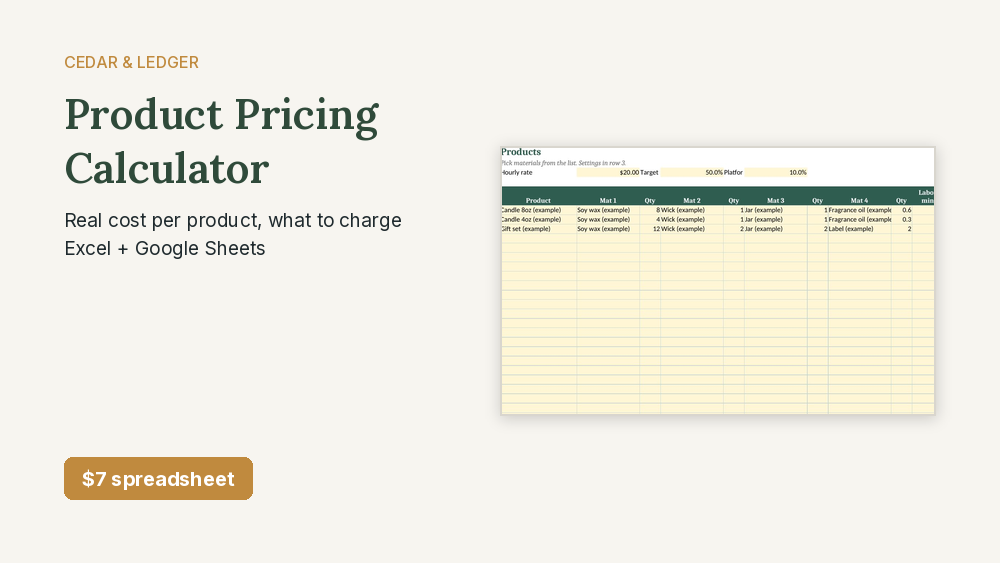
$7 on its own, or get it with 8 more business tools in the Self-Employed & Small Business Bundle for $29.
Works in Google Sheets and Excel · Instant download · Nothing shipped
What you get
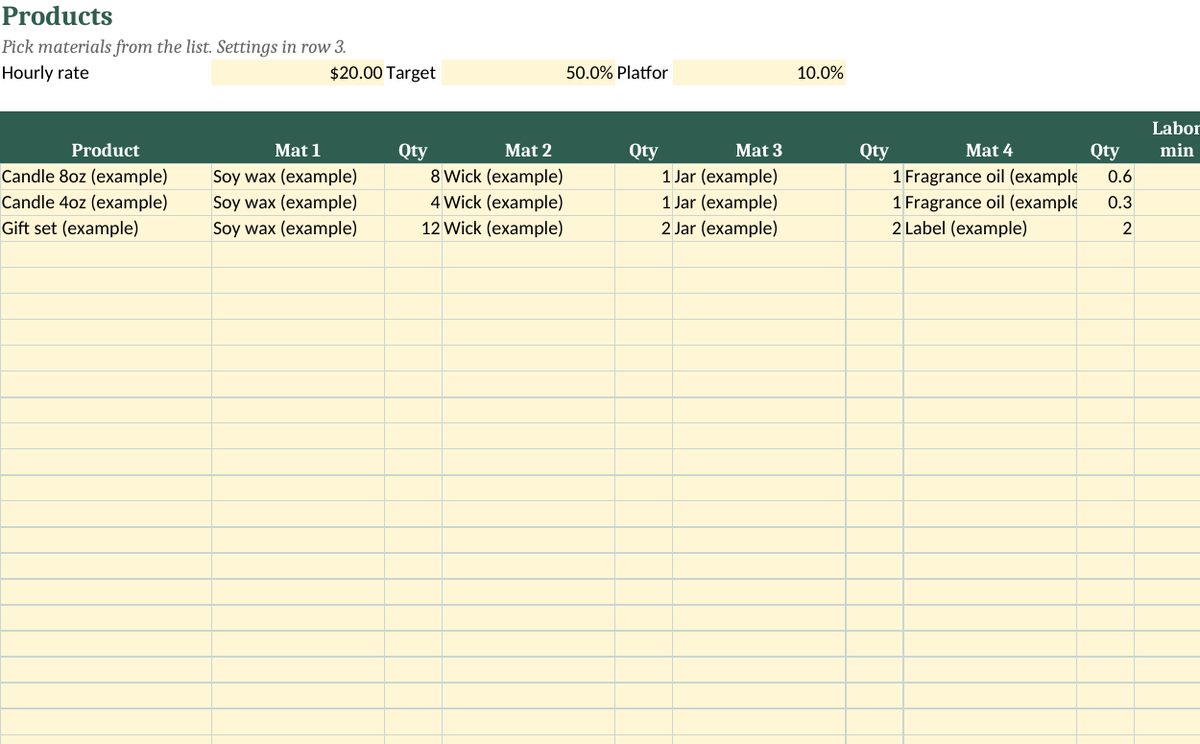
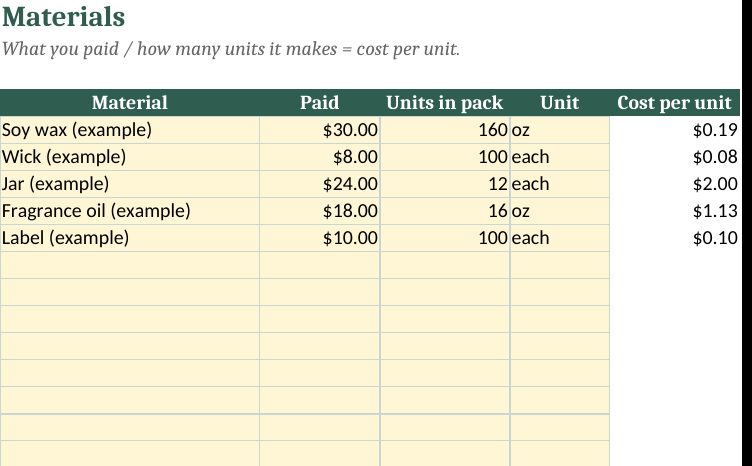
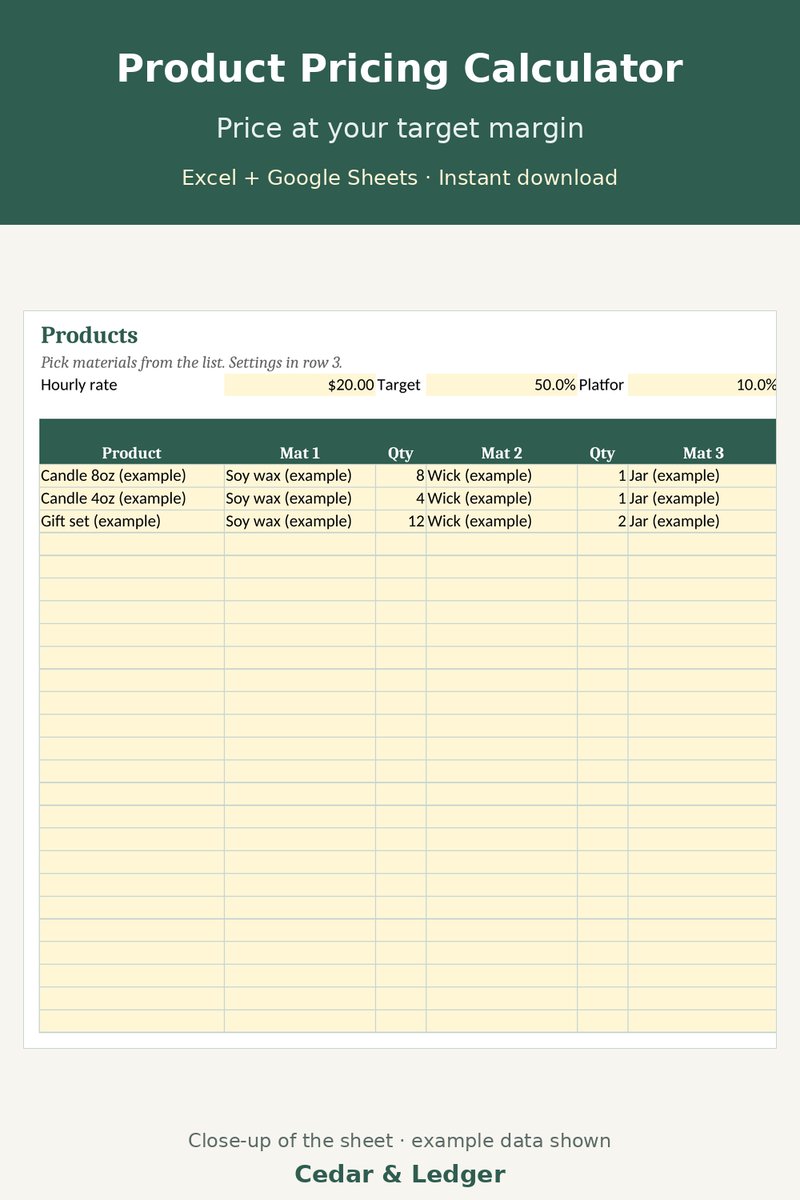
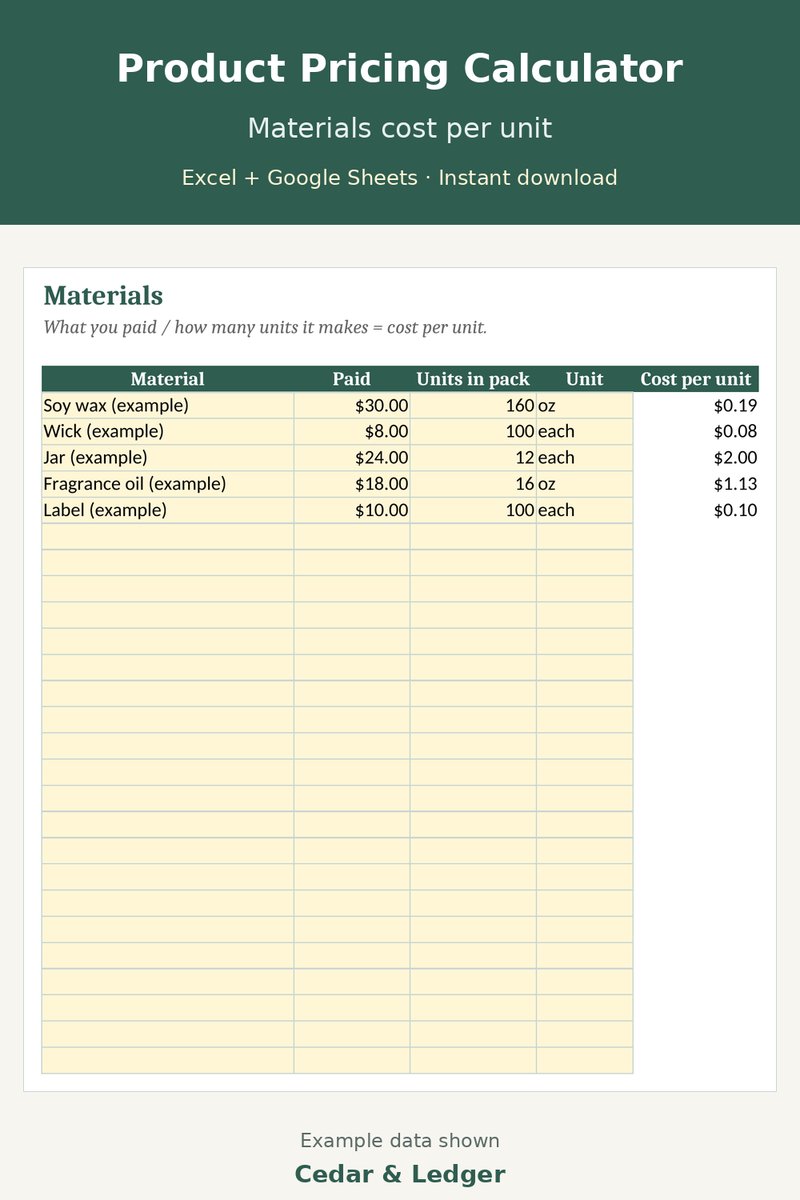
Real screenshots of the actual tabs, taken from the same .xlsx file you download. All numbers are example data.
Who this is for
- You make handmade or small-batch products and need to set prices.
- You want cost per unit including materials, labor time, packaging and platform fees.
- You want to see your profit and margin at the price you type in.
Who it's not for
- Not for you if you want inventory or store syncing.
- Not for you if a product uses more than 4 materials. Each product picks up to 4.
- Not for you if you want someone to tell you what will sell. It shows costs, not demand.
Need more than one?
This sheet is one of the 9 in the Self-Employed & Small Business Bundle. Get all 9 business tools for $29 (about $80 if bought one by one).
Get the bundle on Payhip – $29 See what's in the bundle
Need the home and the business sets? The Everything Bundle (what's inside) has all 22 (21 spreadsheets + the website template) for $39, about $149 if bought one by one.
Instant download. Works in Google Sheets and Excel (the website template is plain HTML/CSS).
Instant digital download, sold through Gumroad. Good for: pricing calculator,product pricing,handmade pricing,small business,profit calculator,cost calculator,etsy seller tools,excel template,google sheets,business spreadsheet.
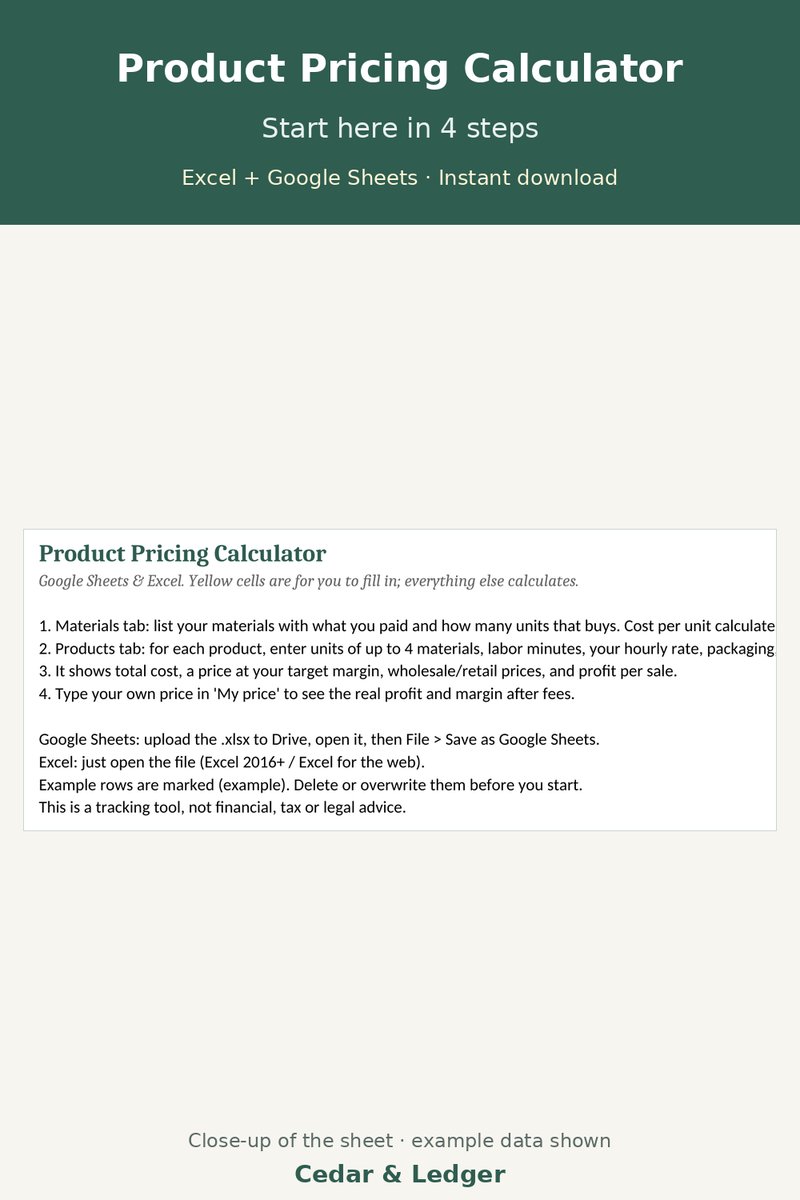
2 separate spreadsheets (.xlsx files) in one zip: Product Pricing Calculator v2, Product Pricing Calculator. Each works in Excel and Google Sheets (import the .xlsx) and opens on a Start Here tab with a short how-to.
How it works
- Download the zip after checkout and unzip it.
- Open each .xlsx in Excel, or upload it to Google Drive and open it with Google Sheets.
- Delete the example rows and type in your own numbers.
Previews and the files use example data only.
What's inside
- Materials list: what you paid and how many units a pack makes. Cost per unit calculates.
- Up to 30 products: pick up to 4 materials, add labor minutes and packaging/shipping.
- Set your hourly rate, target margin and platform fee %. See total cost, a price at your margin, and 2x wholesale / 4x retail reference prices.
- Type your own price to see fees, profit and margin. Losses turn red.
Good to know
- The numbers are only as good as the costs you type in. Comes with candle example rows; delete them before you start.
- It's a spreadsheet, not an app. No store or inventory syncing.
- A pricing aid, not financial or tax advice.
Previews
Works in Google Sheets and Excel · Instant download · Nothing shipped
Try the free markup vs. margin calculator →
Try the free Etsy fee calculator →
Try the free price increase calculator →
Frequently asked questions
Which apps does it open in?
Excel 2016 or newer (including Microsoft 365 and Excel for the web) and Google Sheets: upload the .xlsx to Google Drive, then open it with Google Sheets. You get one .xlsx file (Excel 2016+/Microsoft 365/Excel for the web, imports into Google Sheets) and a short how-to. Instant digital download.
What happens after checkout?
Gumroad emails you a receipt right after checkout; click View content in it to open your download page. You download a .zip with the .xlsx file(s) and a short how-to. It's an instant digital download; nothing physical ships.
Can I edit it?
Yes. Nothing is locked: rename categories, add rows, change colors and type over the example data.
Does it connect to my bank or send reminders?
No. It's a spreadsheet, not an app: you type in your own numbers and nothing is synced or sent.
Are the numbers in the previews real?
No. Previews and the file use example data only. Delete the example rows and add your own.
Can I get a refund?
It's a digital download, so if something doesn't open or work, reply to your Gumroad receipt and I'll help fix it. Refund requests are handled under Gumroad's refund policy. If you bought it on Payhip, message the shop there.
Is this financial advice?
No. It's an organizing and planning tool with example numbers, not financial, tax, legal or medical advice.
Works in Google Sheets and Excel · Instant download · Nothing shipped
Free guides that use this sheet
Pairs well with
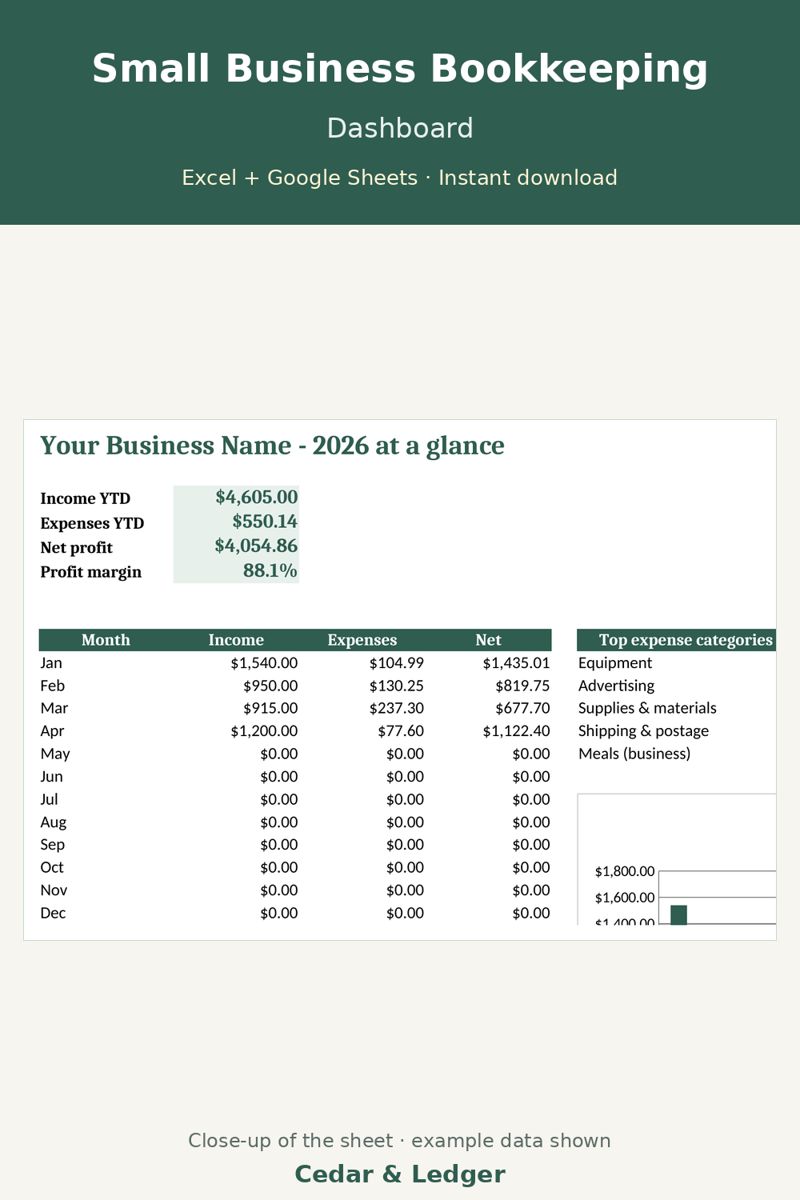
Small Business Bookkeeping Tracker ($12)
Track the sales once your prices are set.
Not ready to buy? Start with the free Starter Budget Sheet.