
Self-Employed & Small Business Bundle | Bookkeeping, Invoices, Pricing, Mileage & Profit Spreadsheets
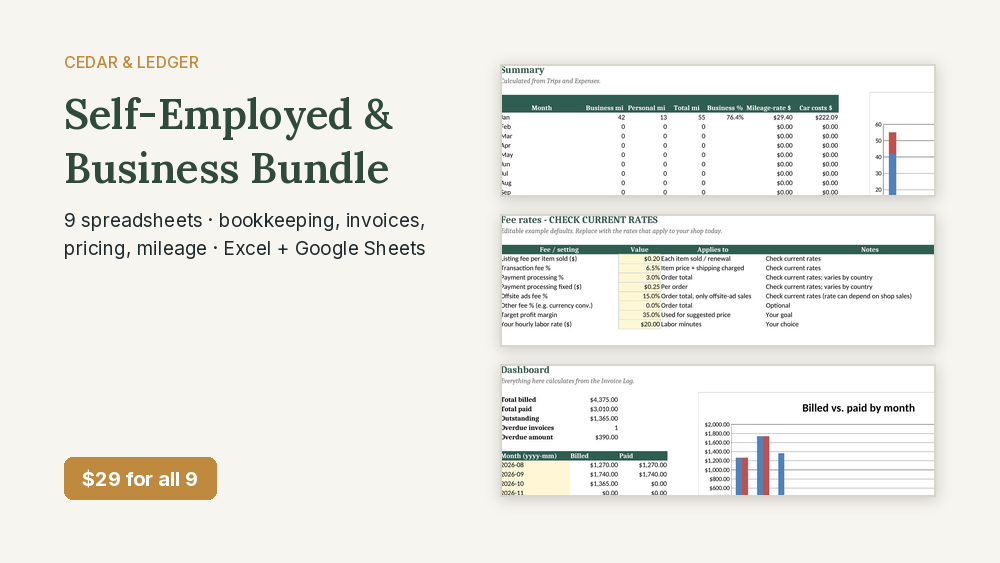
Bookkeeping, invoices, pricing, mileage and profit for freelancers, resellers, makers and small landlords. 9 spreadsheets for Excel and Google Sheets, $29 (about $80 separately).
Instant download · Nothing shipped · Sold through Payhip
Want this and the Complete Household Money Bundle too? Get the Everything Bundle – $39: all 22 for $39 instead of $58 for both $29 bundles. See what's inside.
The Cedar & Ledger tools for freelancers, side hustlers, resellers, makers and small landlords in one download. $29 for all 9; about $80 if you bought them one by one.
What's inside (9 items, $80 if bought one by one)
- Small Business Bookkeeping Tracker ($12 on its own)
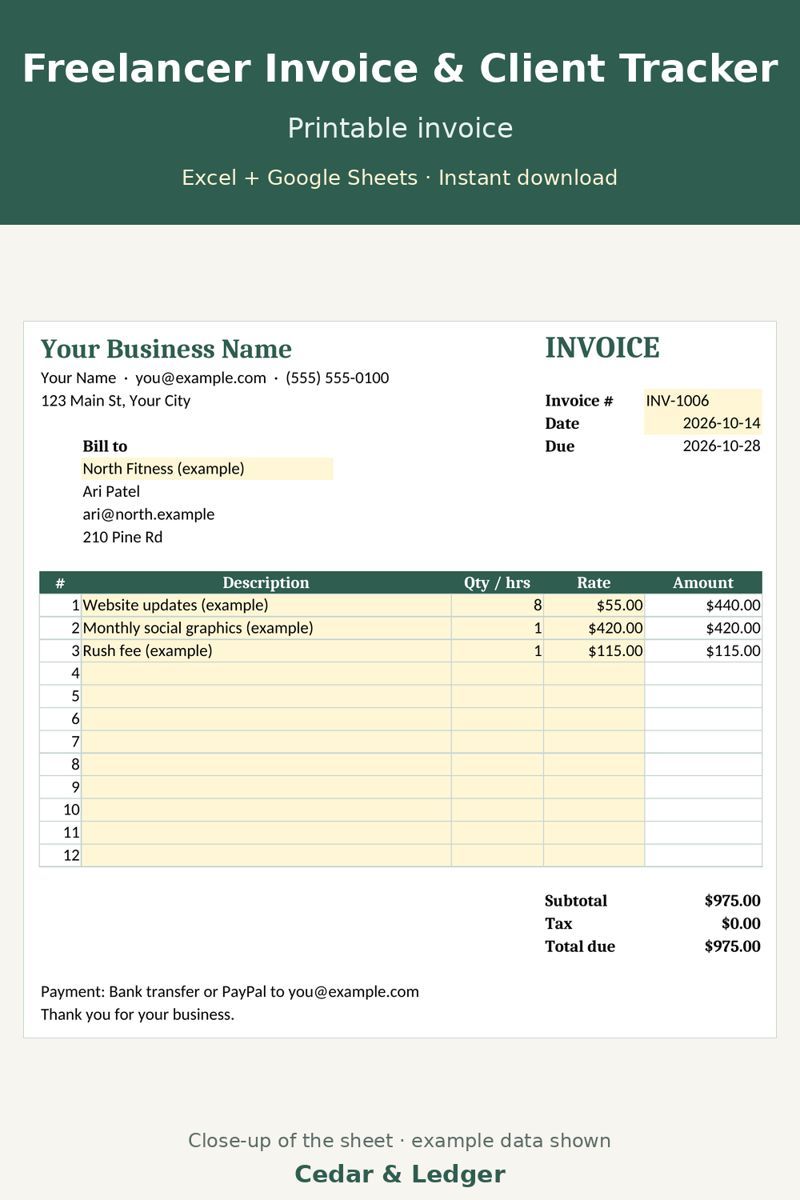
- Freelancer Invoice + Client Tracker ($9 on its own)
- Side Hustle Income & Expense Tracker ($7 on its own)
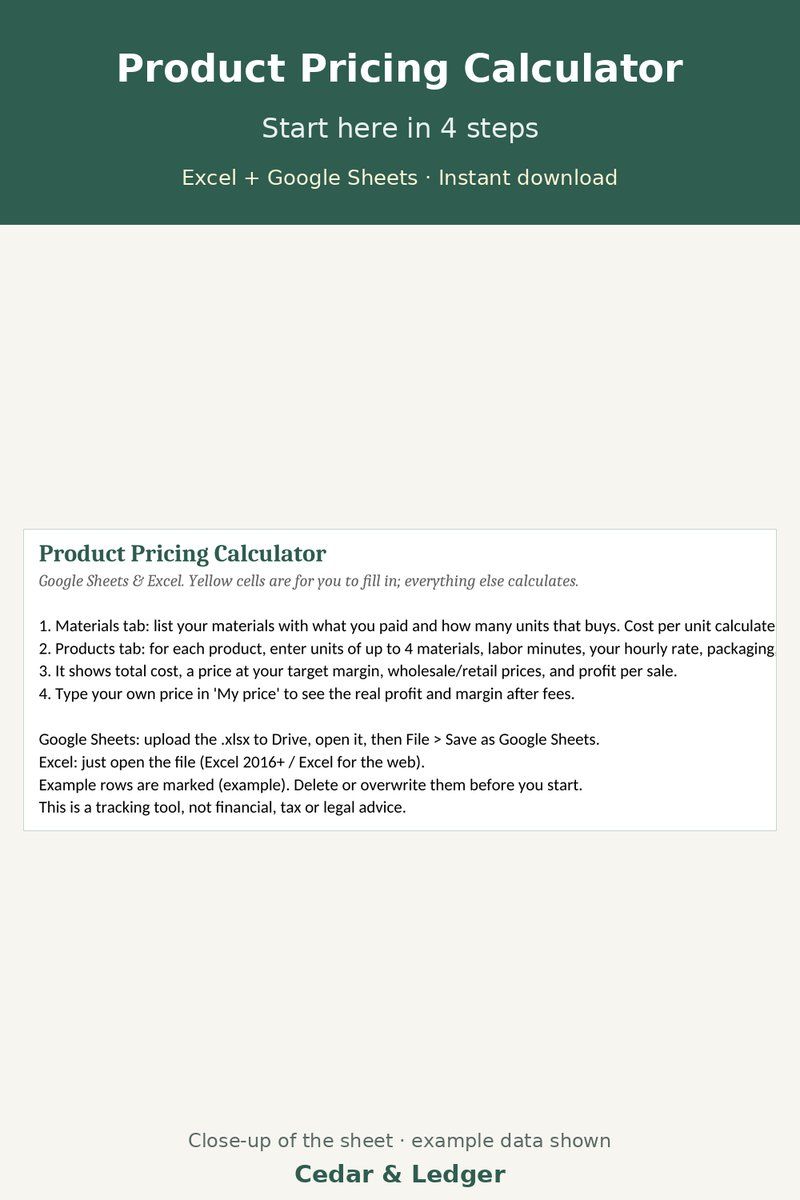
- Product Pricing Calculator ($7 on its own)
- Car Expense & Mileage Log ($5 on its own)
- Reseller Inventory & Profit Tracker ($9 on its own)
- Etsy / Handmade Seller Fee & Profit Calculator ($7 on its own)
- Rental Property Income & Expense Tracker ($12 on its own)
- Local Business HTML Website Template ($12 on its own)
8 spreadsheets (.xlsx files, Excel and Google Sheets) plus the Local Business Website Template (plain HTML/CSS files with a README), in one zip. Example data only; delete it and type in your own numbers.
Who this is for
- You're self-employed, freelance, resell, sell handmade items or rent out a property.
- You want income, costs, invoices, pricing and miles tracked in simple spreadsheets.
- You'd use several of these tools, not just one.
Who it's not for
- Not the best buy if you only need one tool; buying it on its own costs less.
- Not for you if you want accounting software, bank sync or tax filing.
- It's not tax or legal advice; check rules and rates for your situation.
Previews
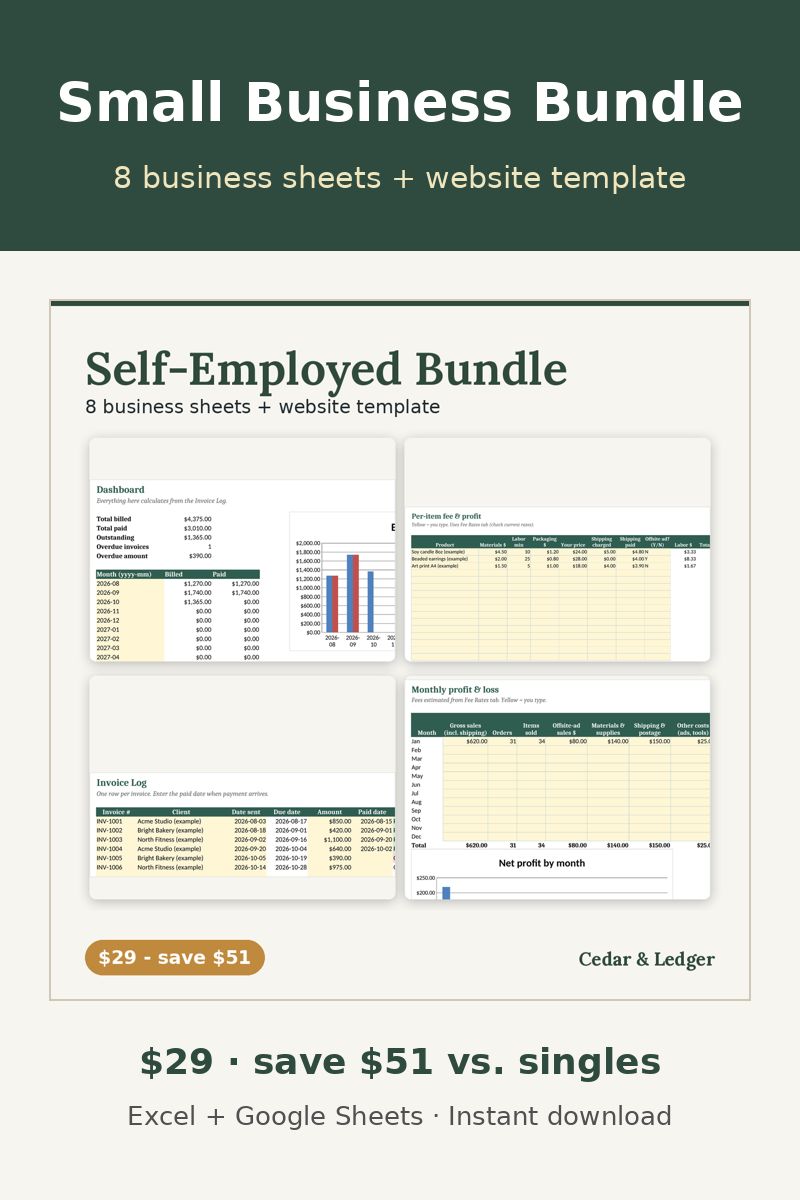
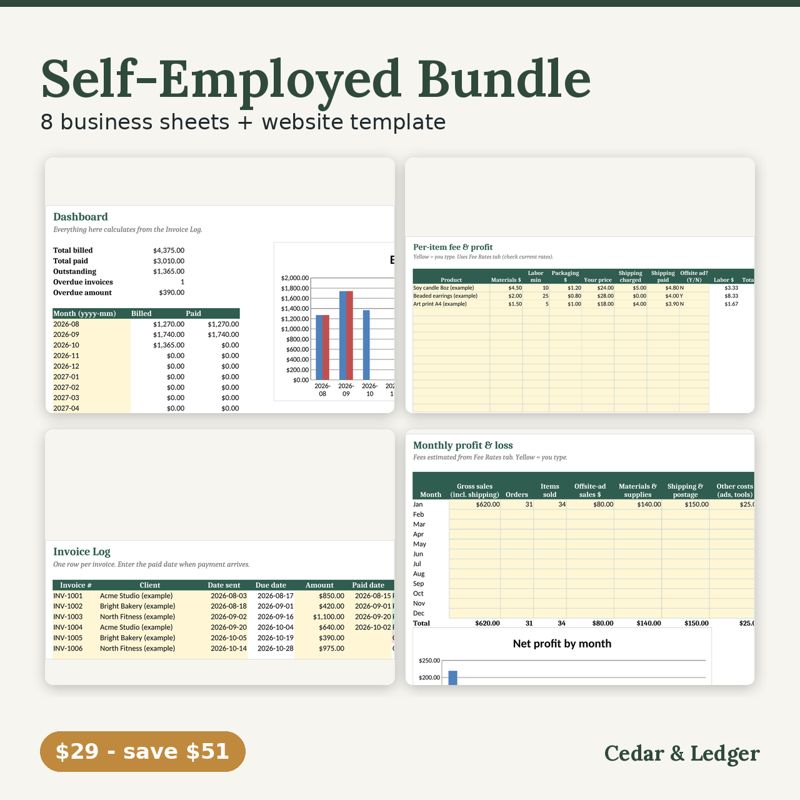
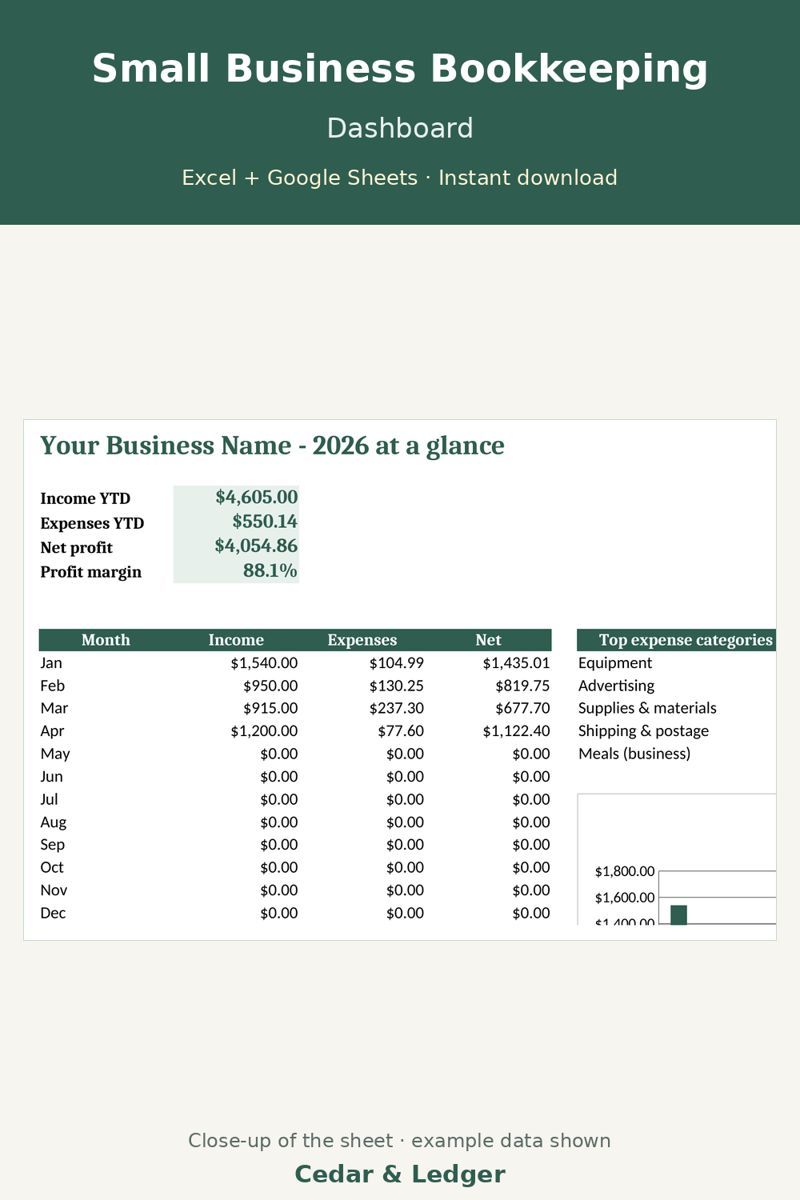
Frequently asked questions
Which apps does it open in?
Excel 2016 or newer (including Microsoft 365 and Excel for the web) and Google Sheets: upload the .xlsx to Google Drive, then open it with Google Sheets.
What happens after checkout?
Payhip shows your download link right after checkout and emails it to you too. You download a .zip with the .xlsx file(s) and a short how-to. It's an instant digital download; nothing physical ships.
Can I edit it?
Yes. Type your own numbers into the input cells and rename categories; see the Start Here tab.
Does it connect to my bank or send reminders?
No. It's a spreadsheet, not an app: you type in your own numbers and nothing is synced or sent.
Can I get a refund?
It's a digital download, so if something doesn't open or work, message the shop through Payhip (or reply to the Payhip email) and I'll help fix it. Refund requests are handled case by case under Payhip's terms.
Is this financial advice?
No. It's an organizing and planning tool with example numbers, not financial, tax, legal or medical advice.