
2027 Server & Bartender Tip Tracker
Know what every shift really paid after tip-out, and have your monthly tip numbers ready when it's time to report them.
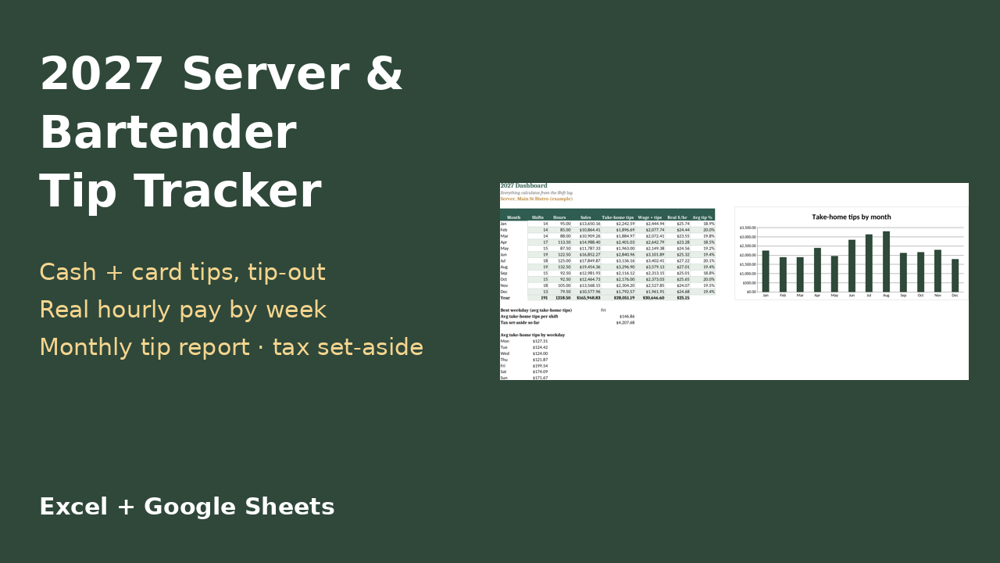
Work more than one job? Get all 5 trackers (nurse, server & bartender, hairstylist, personal trainer, dog walker) in the 2027 Work & Pay Trackers Bundle – $19 (save $16).
What's inside (one .xlsx workbook)
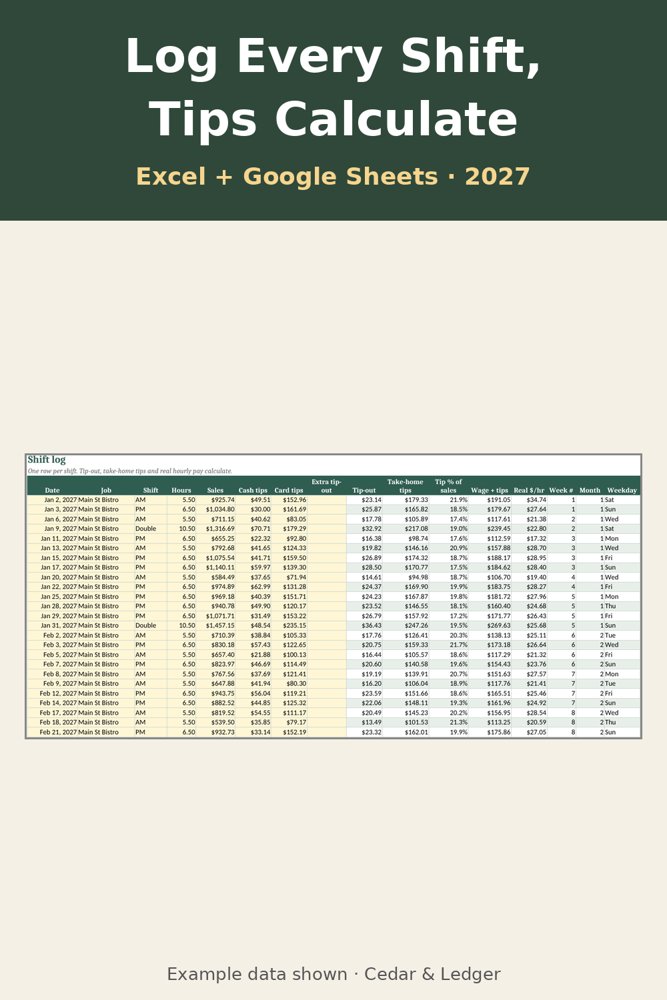
- Shift log: date, job, shift, hours, sales, cash tips and card tips
- Tip-out to bussers, bar and host as a % of sales, or a custom amount
- Take-home tips, tip % of sales and real hourly pay (wage + tips) per shift
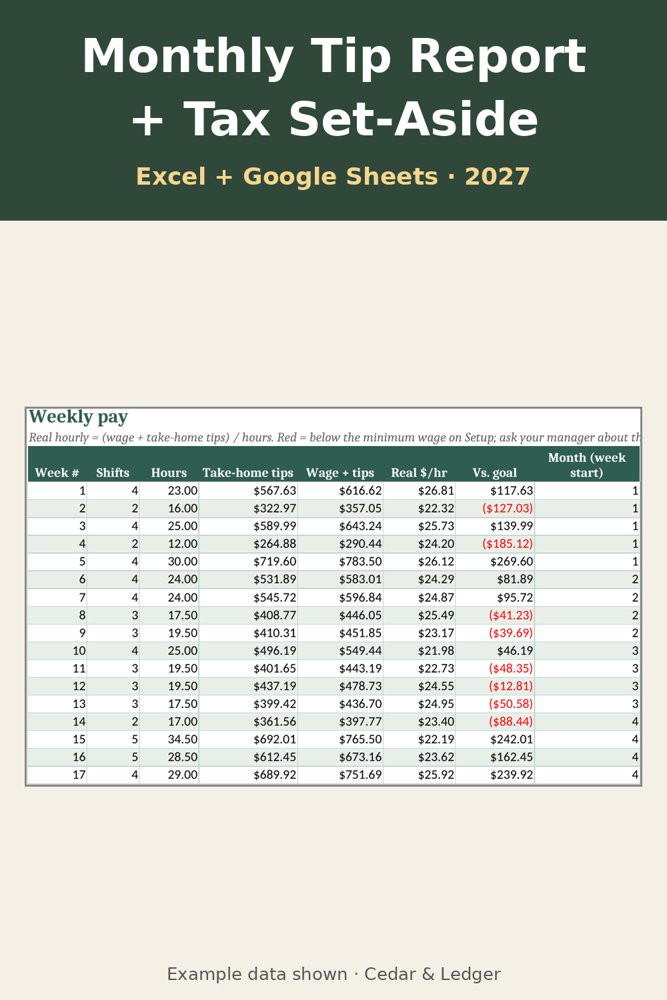
- Weekly hours and real hourly pay, flagged red when under the minimum wage you enter
- Monthly tip report: cash, card, tip-out, tips kept, tax set-aside and date reported
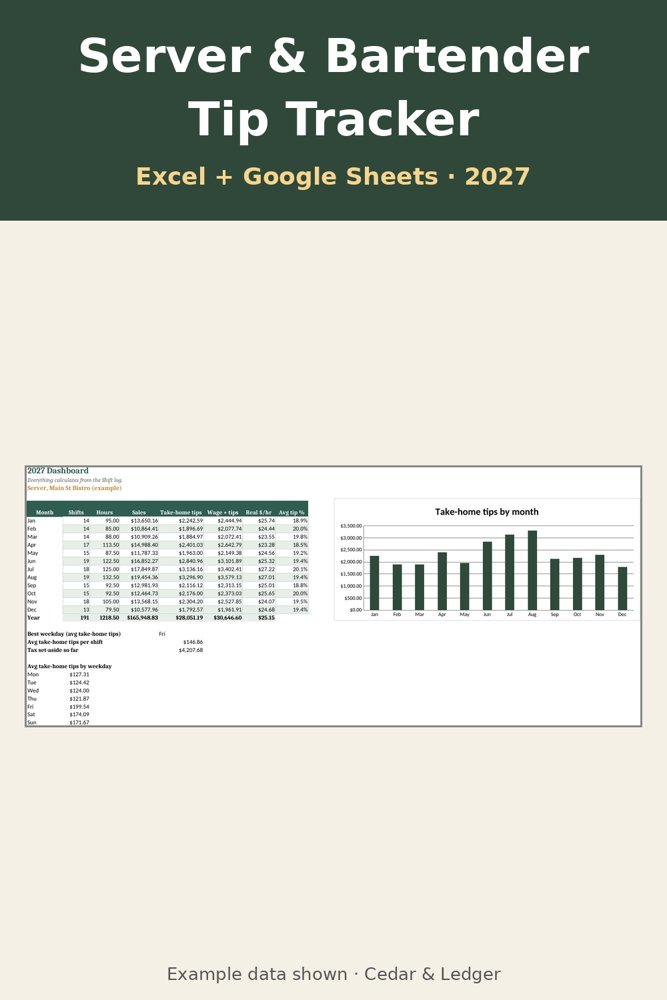
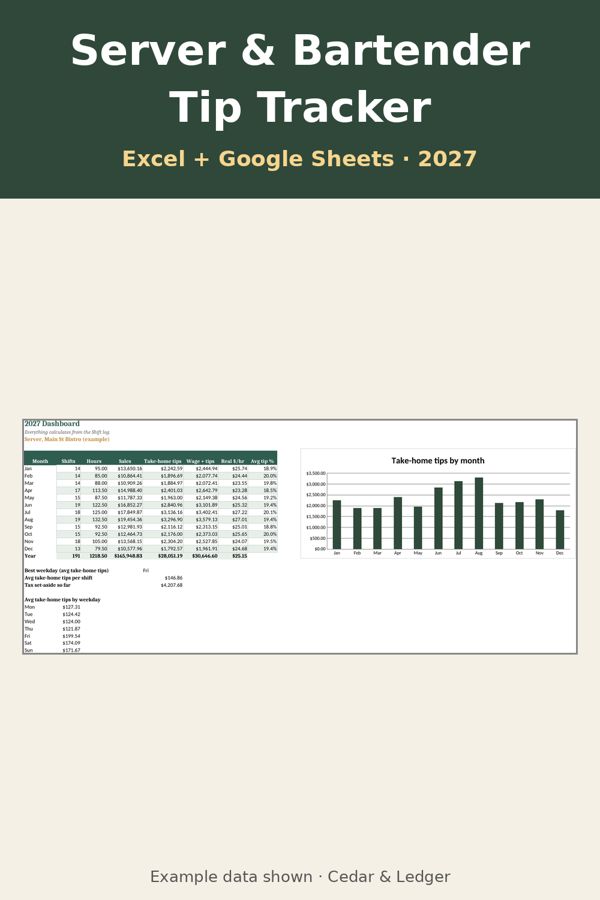
- Dashboard: tips, hours and real $/hr by month, best weekday and a chart
New to tracking? Read how to track server and bartender tips. See also the paycheck budget.
Works in Excel 2016+, Microsoft 365, Excel for the web, and imports into Google Sheets. Instant digital download, nothing shipped. Example numbers included. A tracking tool, not tax advice; tip and tax rules change, so check current IRS guidance.
What's inside
- Shift log: date, job, shift, hours, sales, cash tips and card tips. Tip-out, take-home tips, tip % of sales and real hourly pay (wage + tips) calculate.
- Tip-out: set busser, bar and host percentages of sales once, or type a custom amount for any shift.
- Weekly: shifts, hours, take-home tips and real hourly pay per week. Weeks under the minimum wage you enter turn red, so you can ask about the tip-credit make-up.
- Tip report: cash, card, tip-out and tips kept per month, a tax set-aside amount, and a column to note when you reported.
- Dashboard: monthly tips, hours, sales, real $/hr and average tip %, your best weekday, average tips per shift, and a chart.
Good to know
- Numbers in the file are examples.
- It's a tracking tool, not tax advice. Tip and tax rules change; check current IRS guidance or a tax professional.
- It doesn't connect to your POS or payroll; you type your shifts.
- Made with AI assistance and reviewed before release.
Previews
Frequently asked questions
Which apps does it open in?
Excel 2016 or newer (including Microsoft 365 and Excel for the web) and Google Sheets: upload the .xlsx to Google Drive, then open it with Google Sheets. You get one .xlsx file (Excel 2016+, Microsoft 365, Excel for the web; imports into Google Sheets) plus a short how-to. Instant digital download.
What happens after checkout?
Payhip shows your download link right after checkout and emails it to you too. You download a .zip with the .xlsx file(s) and a short how-to. It's an instant digital download; nothing physical ships.
Can I edit it?
Yes. Nothing is locked: rename categories, add rows, change colors and type over the example data.
Does it connect to my bank or send reminders?
No. It's a spreadsheet, not an app: you type in your own numbers and nothing is synced or sent.
Are the numbers in the previews real?
No. Previews and the file use example data only. Delete the example rows and add your own.
Can I get a refund?
It's a digital download, so if something doesn't open or work, message the shop through Payhip (or reply to the Payhip email) and I'll help fix it. Refund requests are handled case by case under Payhip's terms.
Is this financial advice?
No. It's an organizing and planning tool with example numbers, not financial, tax, legal or medical advice.
Works in Google Sheets and Excel · Instant download · Nothing shipped
See all Cedar & Ledger templates
More templates, tools and free printables
Not sure yet? Try a free 2027 printable first. The 2027 Year at a Glance is $0 on Payhip: enter your email at checkout to get the PDF, no payment details needed. Payhip emails you the download link; that's the only email it sends. For tips by email, subscribe separately (free, unsubscribe anytime).