
Wedding Budget Planner Spreadsheet | Event Budget, Vendor Payments & Guest List for Excel & Google Sheets
Keep the whole event budget in one place: planned, actual, paid and still due. A spreadsheet for Excel and Google Sheets.
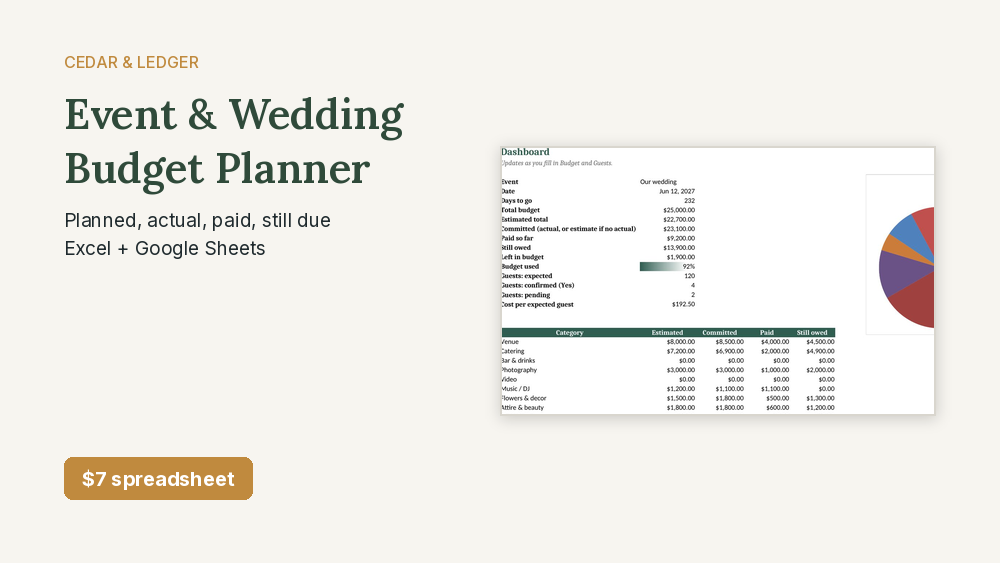
$7 on its own, or get it with 12 more home money spreadsheets in the Complete Household Money Bundle for $29.
Works in Google Sheets and Excel · Instant download · Nothing shipped
What you get
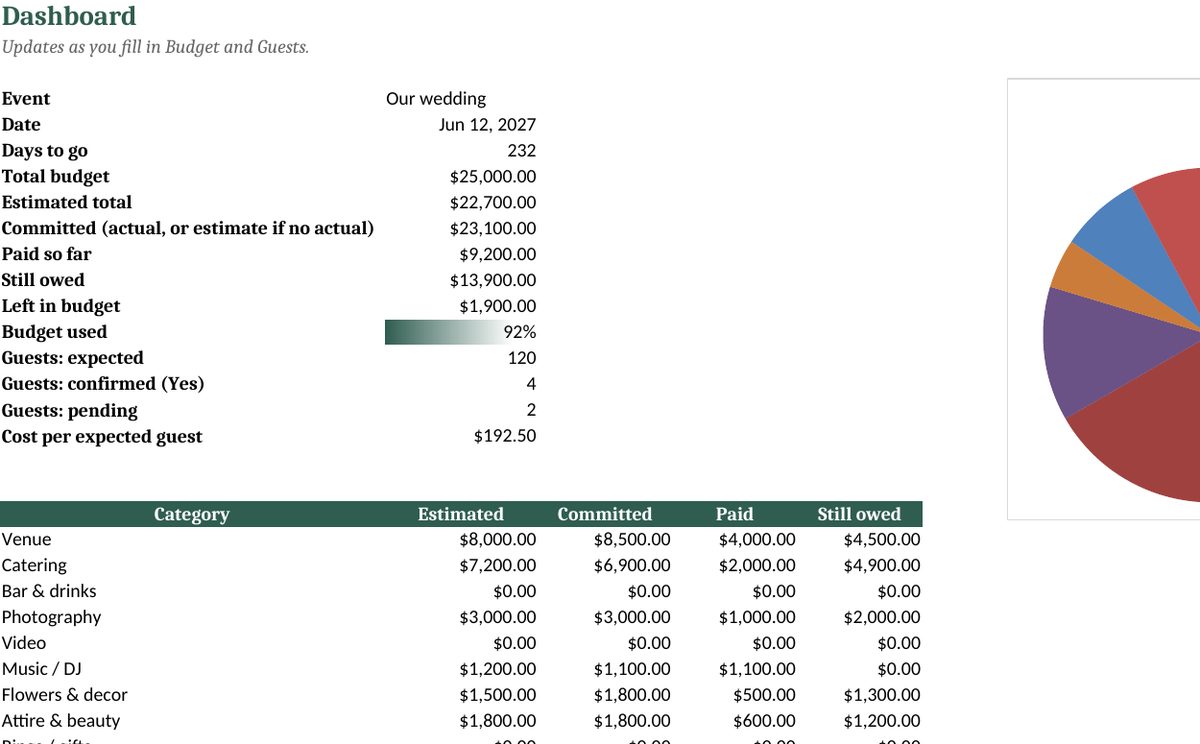
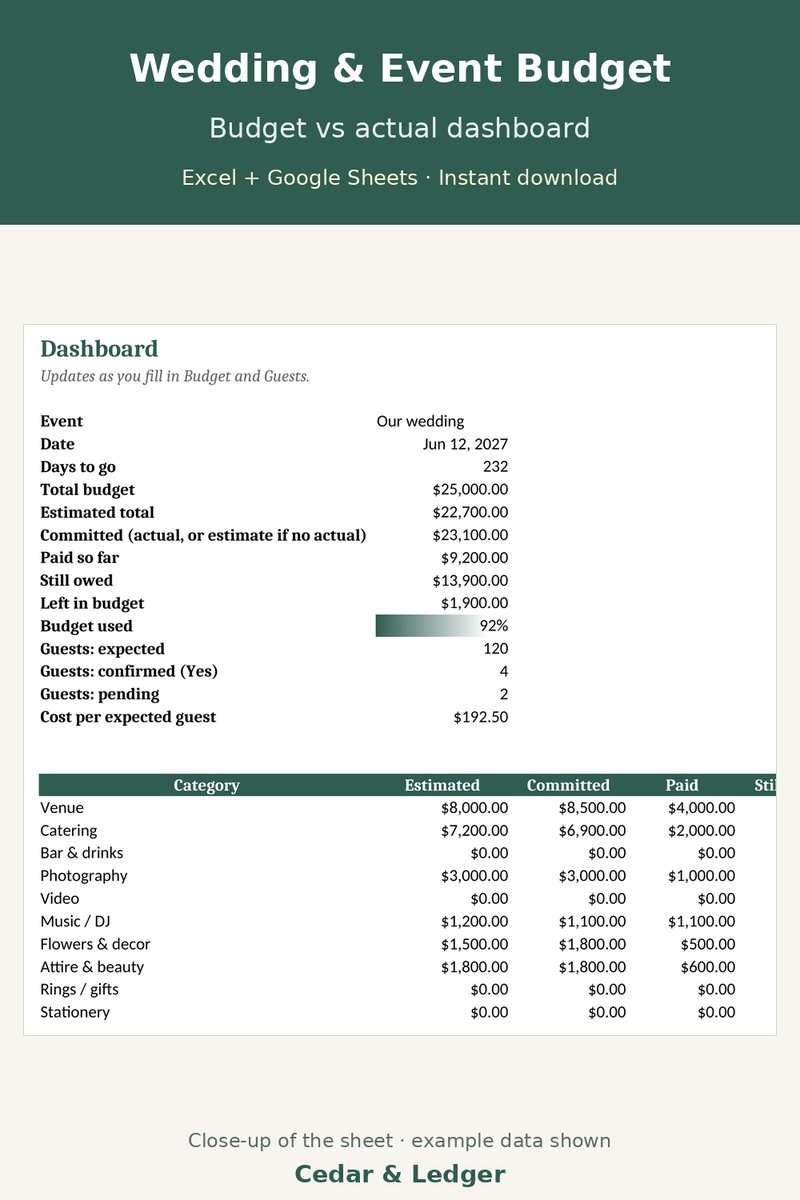
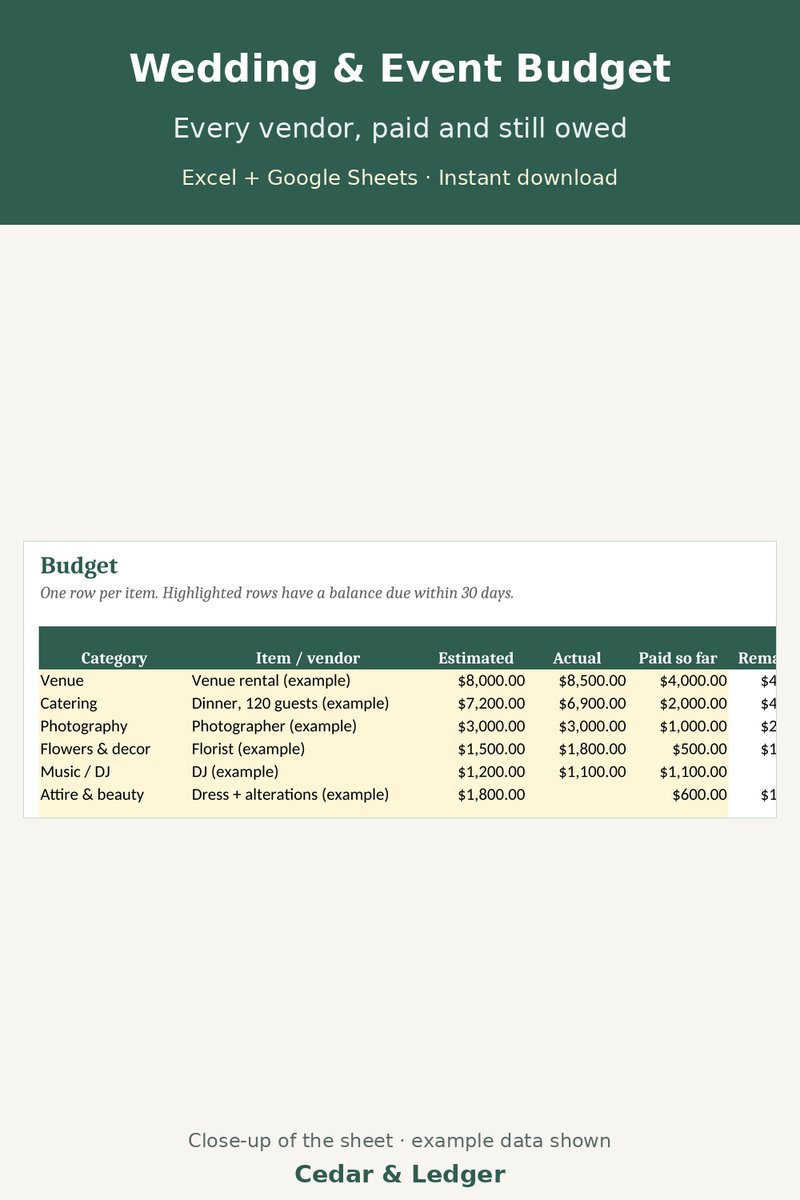
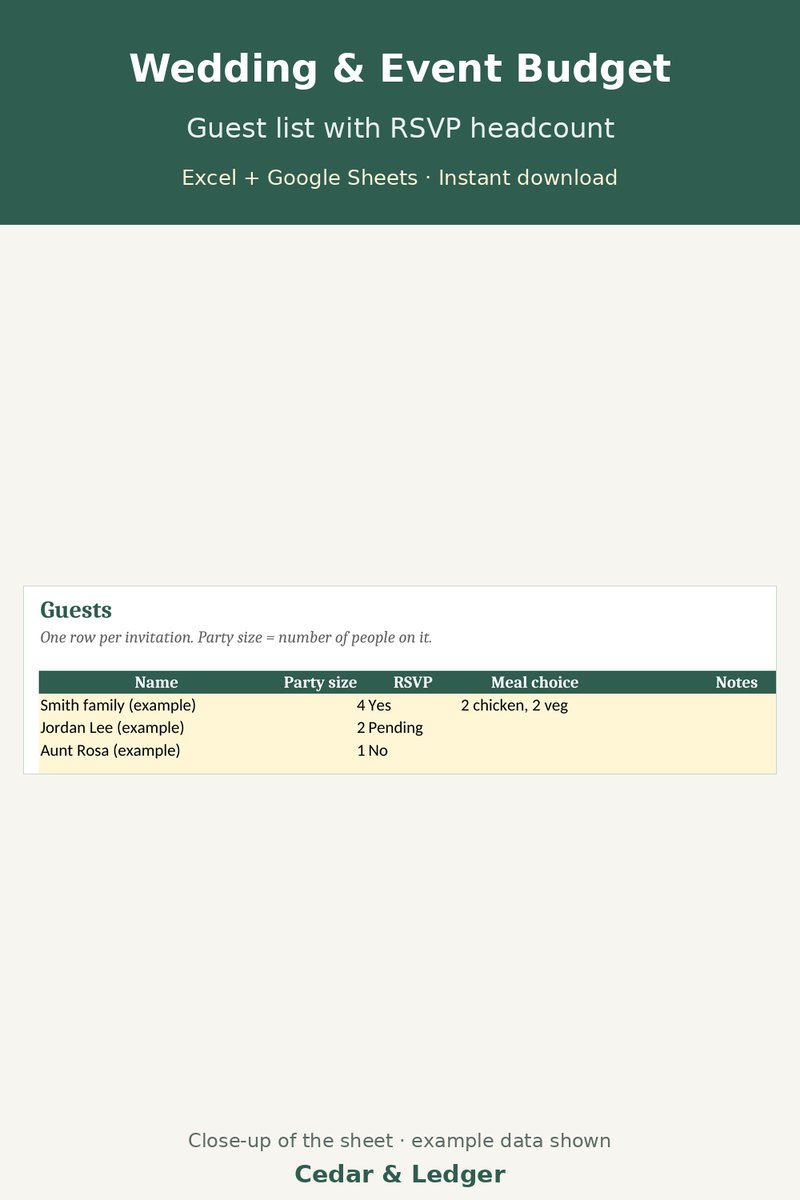
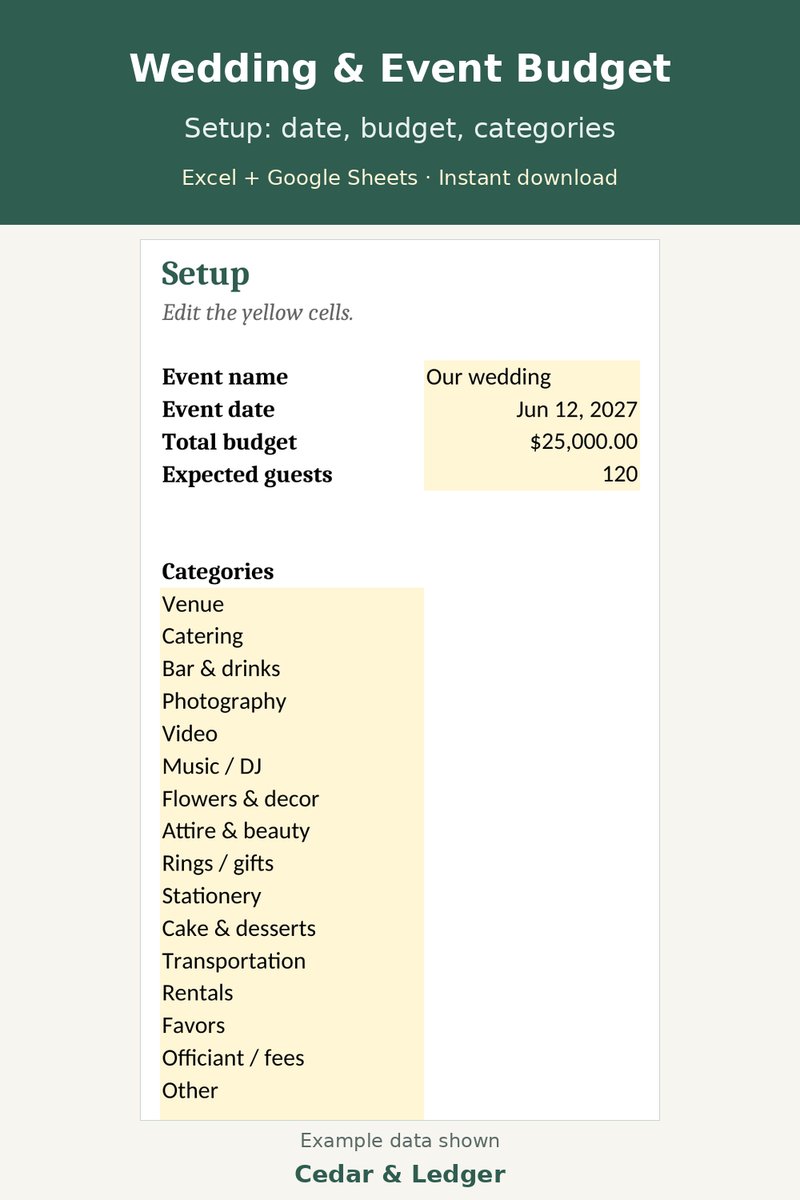
Real screenshots of the actual tabs, taken from the same .xlsx file you download. All numbers are example data.
Who this is for
- You're planning a wedding, party, shower or reunion with a set budget.
- You want to track vendor deposits, what's paid and what's still due.
- You want a simple guest list with RSVPs and a headcount.
Who it's not for
- Not for you if you want vendor booking or reminders sent to you.
- Not for you if you want a full planning app with seating charts.
- Not for you if you want bank sync. You type in the costs.
Need more than one?
This sheet is one of the 13 in the Complete Household Money Bundle. Get all 13 home money spreadsheets for $29 (about $69 if bought one by one).
Get the bundle on Payhip – $29 See what's in the bundle
Need the home and the business sets? The Everything Bundle (what's inside) has all 22 (21 spreadsheets + the website template) for $39, about $149 if bought one by one.
Instant download. Works in Google Sheets and Excel.
Instant digital download, sold through Gumroad. Good for: wedding budget, event budget, wedding planner, budget spreadsheet, wedding checklist, guest list, party planner, google sheets, excel template, vendor tracker.
2 separate spreadsheets (.xlsx files) in one zip: Wedding Event Budget Planner v2, Wedding Event Budget Planner. Each works in Excel and Google Sheets (import the .xlsx) and opens on a Start Here tab with a short how-to.
How it works
- Download the zip after checkout and unzip it.
- Open each .xlsx in Excel, or upload it to Google Drive and open it with Google Sheets.
- Delete the example rows and type in your own numbers.
Previews and the files use example data only.
What's inside
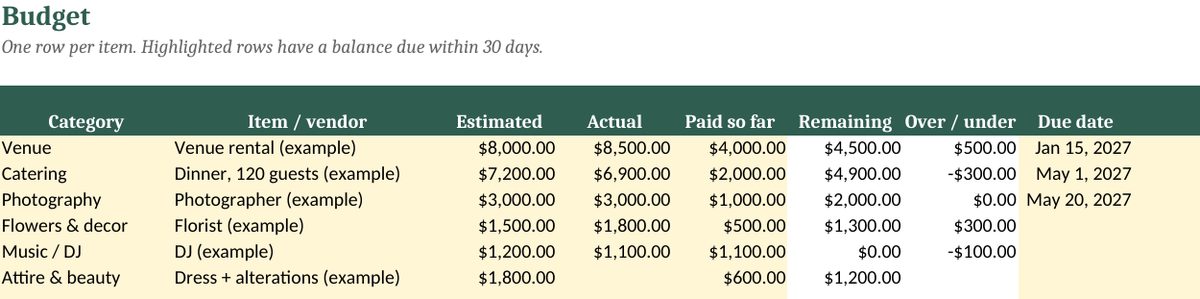
- Budget tab: one row per vendor or item, with estimated cost, actual cost, amount paid, remaining balance and over/under. Balances due within 30 days are highlighted.
- 16 starter categories (venue, catering, photography, flowers and more) that you can rename or add to, up to 20.
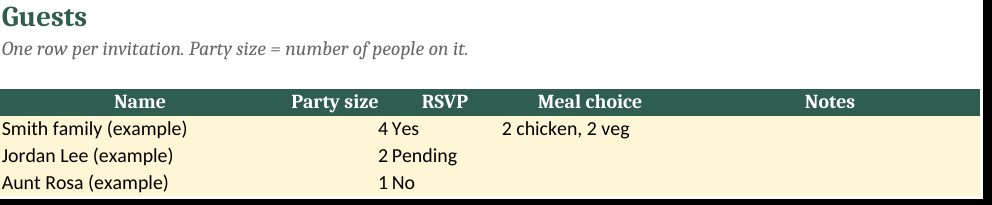
- Guest list with party size, RSVP (Yes / No / Pending) and meal choice; confirmed and pending headcounts show on the dashboard.
- Dashboard: total budget vs. estimated vs. committed, paid so far, still owed, money left, percent of budget used, cost per expected guest, days to go, and a chart by category.
Good to know
- It's a spreadsheet, not an app. No vendor booking or reminders sent to you.
- Comes with example rows. Delete them before you start.
- A planning tool, not financial advice.
Previews
Works in Google Sheets and Excel · Instant download · Nothing shipped
Try the free wedding budget calculator →
Frequently asked questions
Which apps does it open in?
Excel 2016 or newer (including Microsoft 365 and Excel for the web) and Google Sheets: upload the .xlsx to Google Drive, then open it with Google Sheets. You get one .xlsx file (Excel 2016+/Excel for the web, imports into Google Sheets) and a short how-to. Instant digital download.
What happens after checkout?
Gumroad emails you a receipt right after checkout; click View content in it to open your download page. You download a .zip with the .xlsx file(s) and a short how-to. It's an instant digital download; nothing physical ships.
Can I edit it?
Yes. Nothing is locked: rename categories, add rows, change colors and type over the example data.
Does it connect to my bank or send reminders?
No. It's a spreadsheet, not an app: you type in your own numbers and nothing is synced or sent.
Are the numbers in the previews real?
No. Previews and the file use example data only. Delete the example rows and add your own.
Can I get a refund?
It's a digital download, so if something doesn't open or work, reply to your Gumroad receipt and I'll help fix it. Refund requests are handled under Gumroad's refund policy. If you bought it on Payhip, message the shop there.
Is this financial advice?
No. It's an organizing and planning tool with example numbers, not financial, tax, legal or medical advice.
Works in Google Sheets and Excel · Instant download · Nothing shipped
Free guides that use this sheet
- Easter Budget 2027: Baskets, Dinner and Outfits for Less
- Game Day Party Budget: Host the Big Game for Less
- Valentine's Day Budget: Plan It Without Overspending
- Holiday Hosting Budget: Plan a Party or Family Dinner
- How to Plan a Party Budget (Birthdays, Showers, Holidays)
- How to Budget for a Wedding (Without the Surprise Bills)
Pairs well with
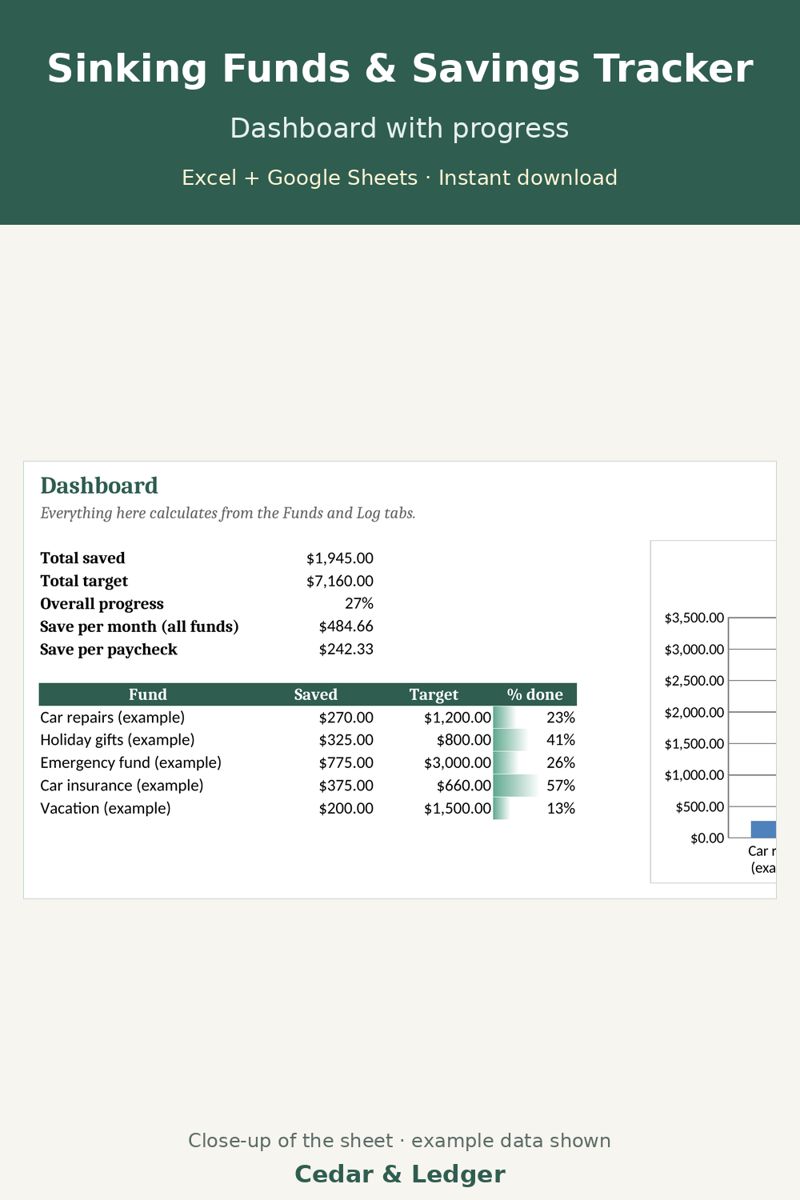
Sinking Funds & Savings Goals Tracker ($5)
Save toward the big day on a schedule.
Not ready to buy? Start with the free Starter Budget Sheet.
Goes well with
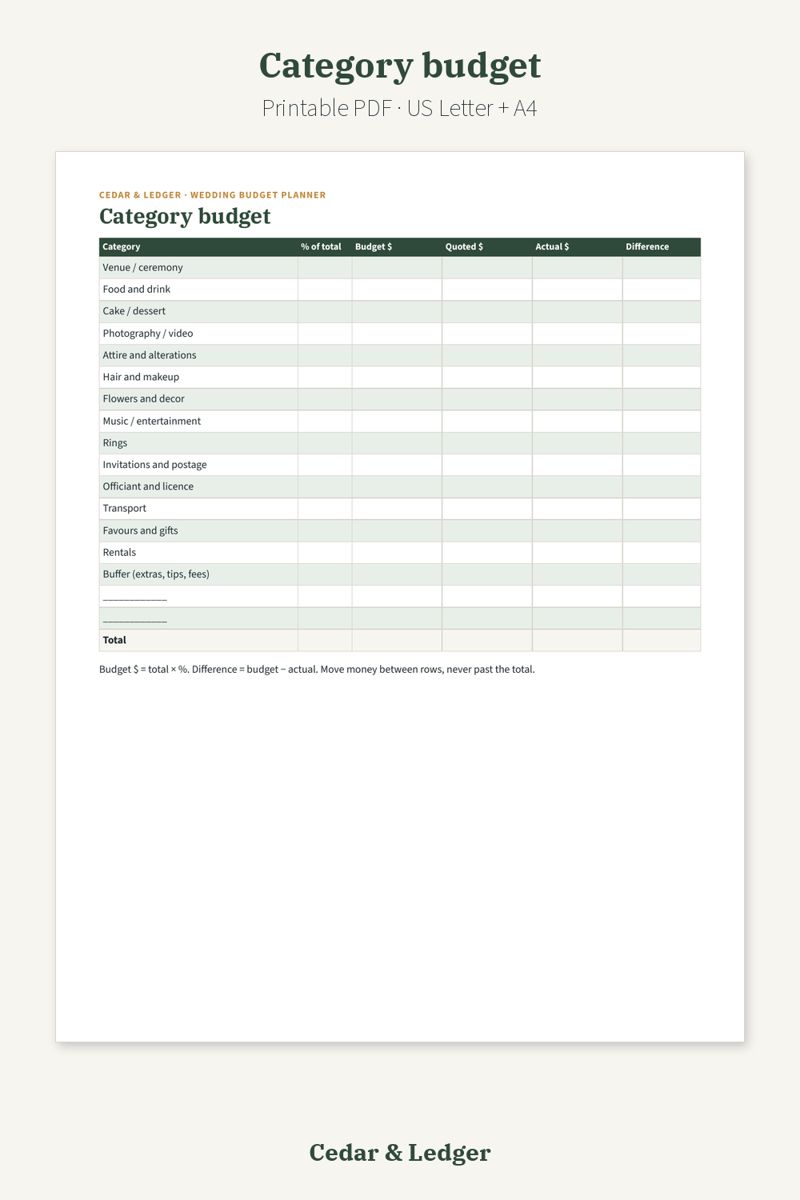
Wedding Budget Planner Printable ($7)
A paper version with a guest list, vendor quotes, payment schedule and 12-month checklist, if you like planning on paper.
Sold separately. Only get it if it fits how you plan.
See all Cedar & Ledger templates
Also see: Holiday hosting budget