
No-Spend Challenge Printable 2027 with No-Spend January Calendar
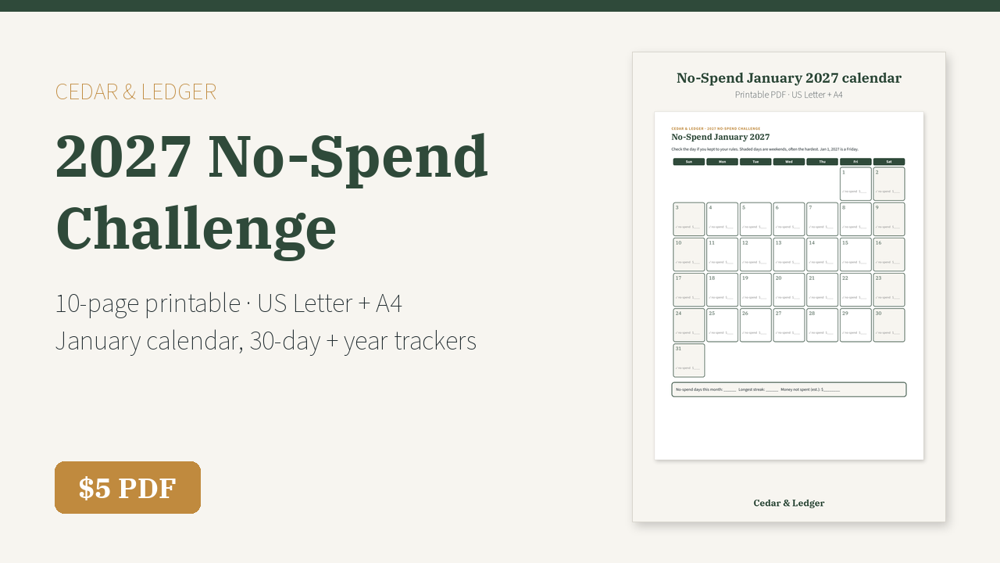
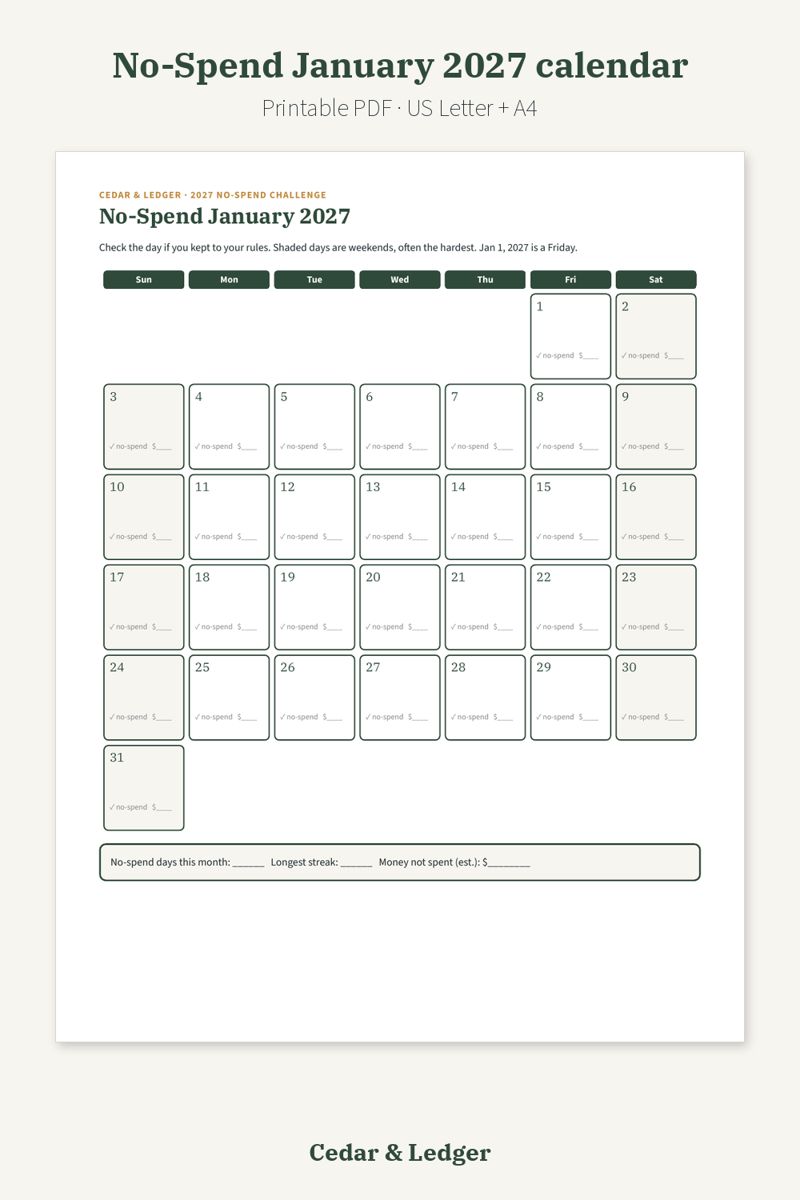
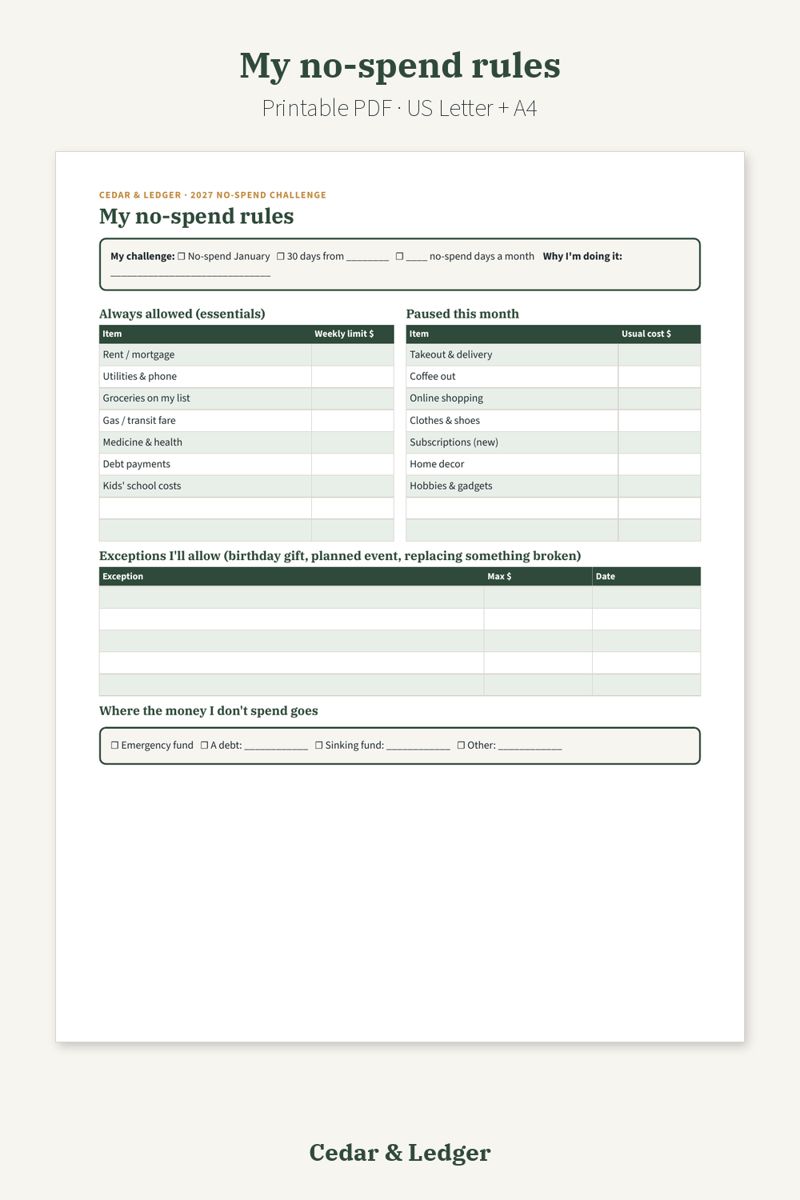
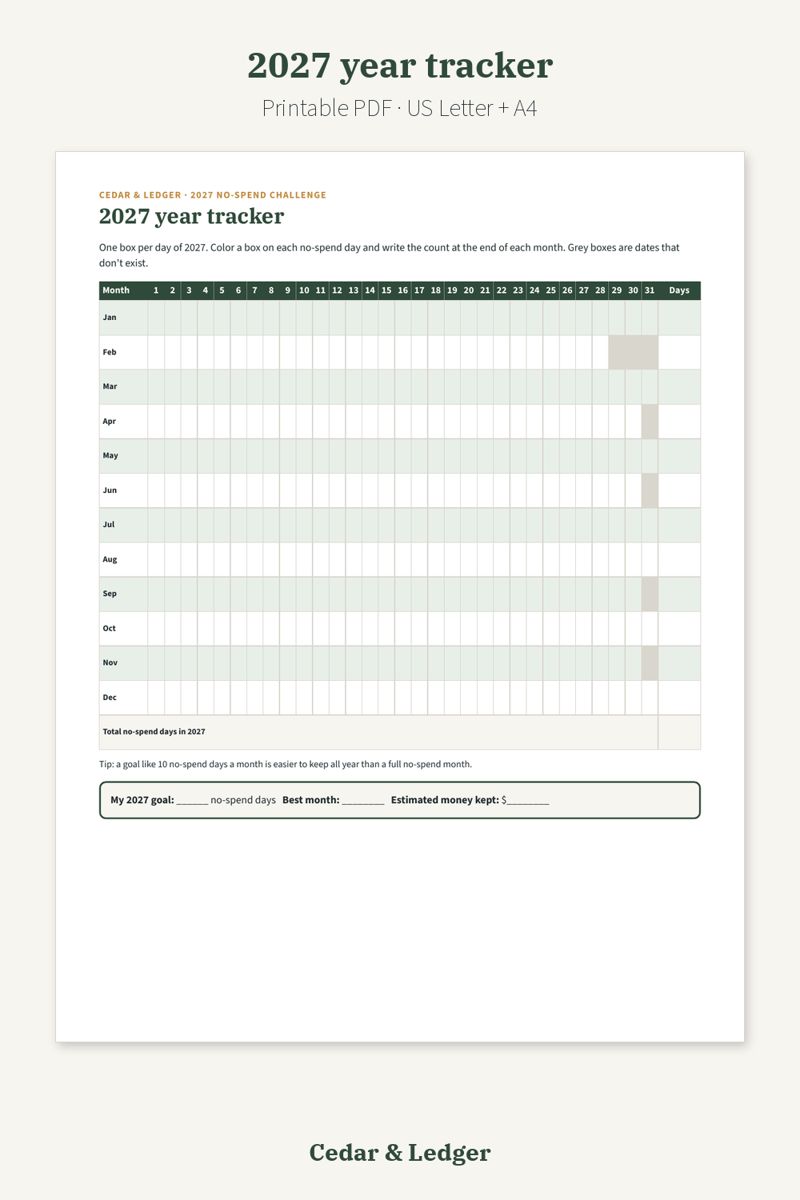
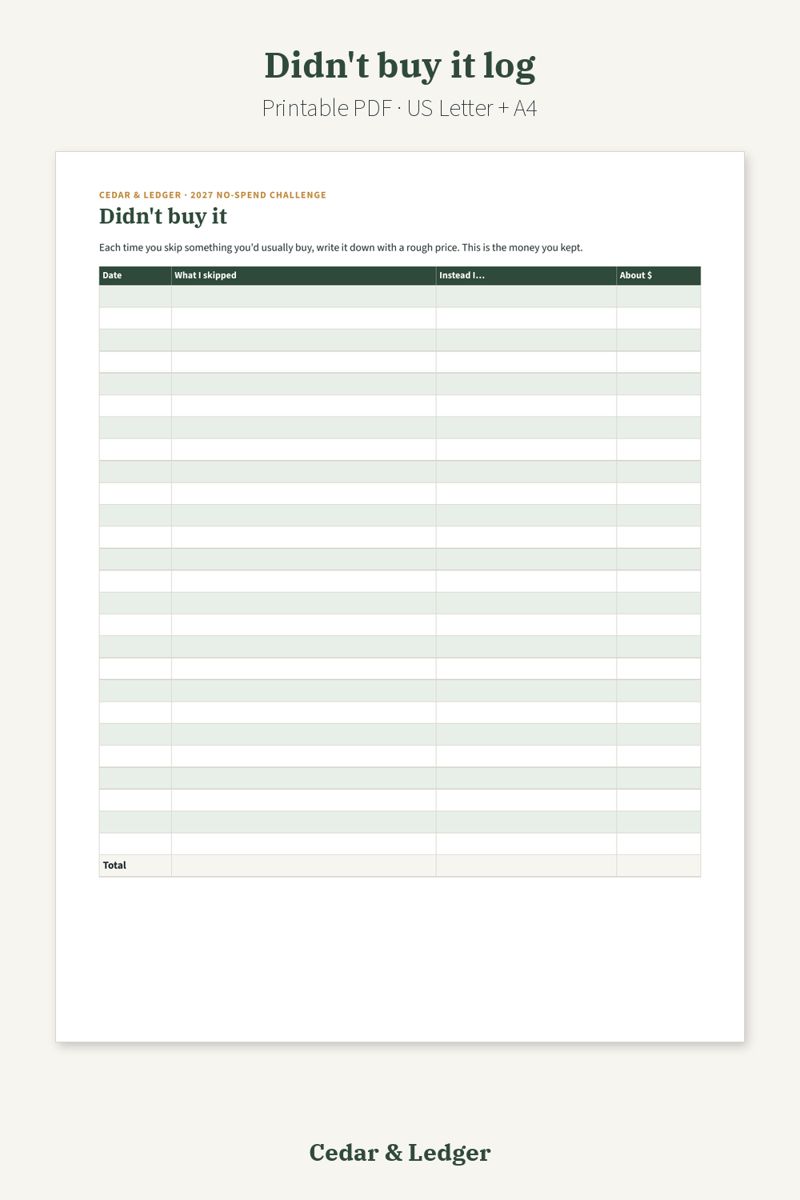
Start 2027 by pausing the extras, not the bills. Write your rules first (rent, bills, groceries on your list and gas stay allowed; takeout, online shopping and the rest are paused), then check off each no-spend day on the dated January 2027 calendar, a 30-day tracker that starts any day, or the year tracker with a box for every day of 2027. The didn't-buy log shows the money you kept, and the 30-day wishlist keeps impulse buys waiting until the challenge ends.
Not sure yet? Try a free 2027 printable first. The 2027 Year at a Glance is $0 on Payhip: enter your email at checkout to get the PDF, no payment details needed. Payhip emails you the download link; that's the only email it sends. For tips by email, subscribe separately (free, unsubscribe anytime).
Instant download (one .zip with US Letter and A4 PDFs, 10 pages), sold through Payhip. Print it or write on it in a PDF annotation app. A printable, so you check off days and add things up by hand. General information, not financial advice.
Ready to budget the months after? The 2027 Monthly Budget Printable ($5) picks up where the challenge ends.
Free guides: No-spend January · New year budget reset · January after the holidays
What's inside
- How it works, with a fresh-start rule for slip-ups
- My no-spend rules: always-allowed essentials, paused extras, planned exceptions and where the saved money goes
- No-Spend January 2027 calendar (dated, weekends shaded)
- 30-day no-spend tracker that starts any day
- 2027 year tracker: one box for every day of the year with monthly counts
- Essentials I bought log
- Didn't buy it log (the money you kept)
- 30-day wishlist for things you want to wait on
- Low-cost ideas for weekends
- Month review
Good to know
- A printable, so you check off days and add things up by hand.
- Essentials stay allowed: it's about pausing extras, not skipping bills.
- General information, not financial advice.
Previews
Frequently asked questions
How do I use it?
Print it at home (US Letter and A4 versions included) or fill it in with a PDF app that lets you write on PDFs.
What happens after checkout?
Payhip shows your download link right after checkout and emails it to you too. You download a .zip with 2 PDFs (US Letter and A4, 10 pages each). It's an instant digital download; nothing physical ships.
Does it track my spending for me?
No. It's a printable: you check off days and write amounts by hand. Nothing connects to your bank.
Do I have to start in January?
No. The January 2027 calendar is dated, but the 30-day tracker starts any day and the year tracker covers all of 2027.
Does no-spend mean I can't pay bills?
No. You list your essentials (rent, bills, groceries, gas, medicine) as always allowed on the rules page; only the extras are paused.
Can I get a refund?
It's a digital download, so if something doesn't open or work, message the shop through Payhip (or reply to the Payhip email) and I'll help fix it. Refund requests are handled case by case under Payhip's terms.
Is this financial advice?
No. It's a printable planning tool, not financial advice.
Code HOLIDAY26: 20% off this one at checkout, through Sun Nov 8, 2026.
Get all 3 for $10. This printable ($5 on its own) is in the 2027 Money Reset Bundle with the 2027 Printable Budget Planner and the 2027 Savings Challenge Set: $10 instead of $16 bought separately.
Printable PDF (US Letter + A4) · Instant download · Nothing shipped
Goes well with
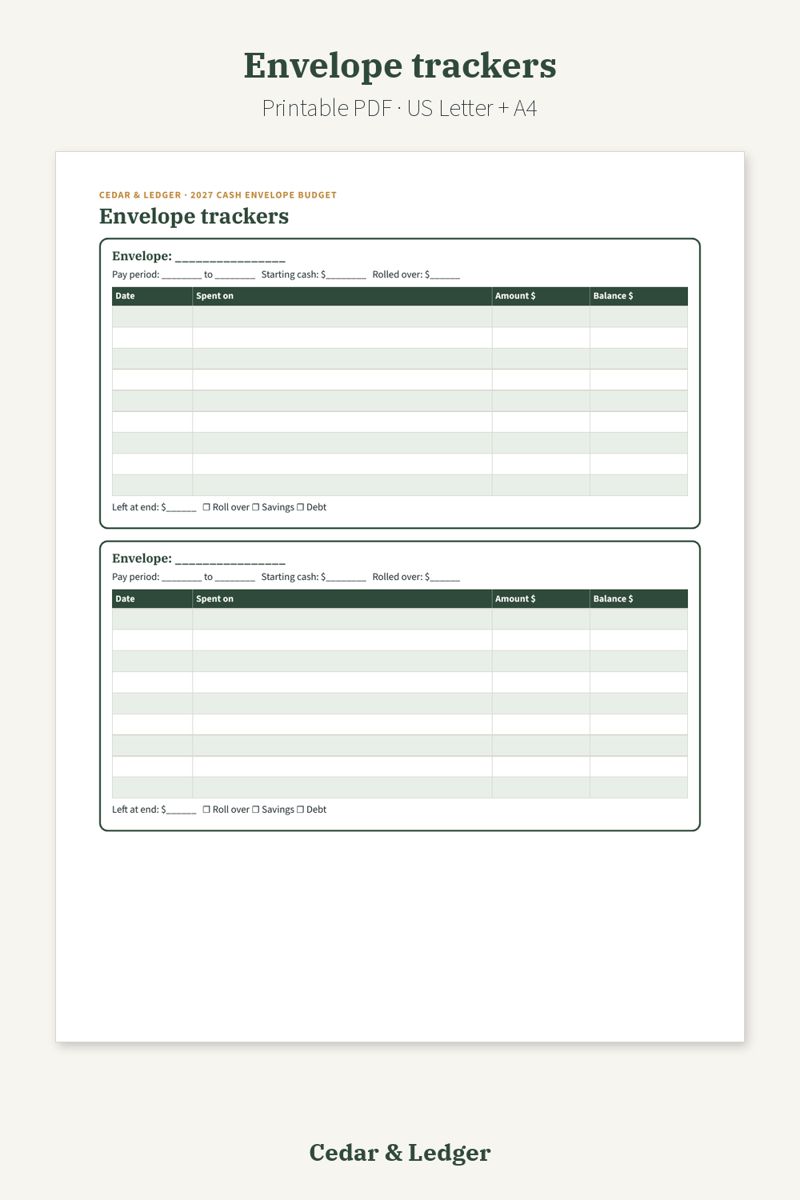
2027 Cash Envelope Budget Printable ($5)
A next step after a no-spend month: set a cash limit for groceries, gas and fun each payday and track it on paper.
Sold separately. Only get it if it fits how you plan.